
Exploring ESC/POS: Building reliable point of sale printing experiences

Piotr Mionskowski

Piotr Mionskowski

Head of Technology, Framna Poland
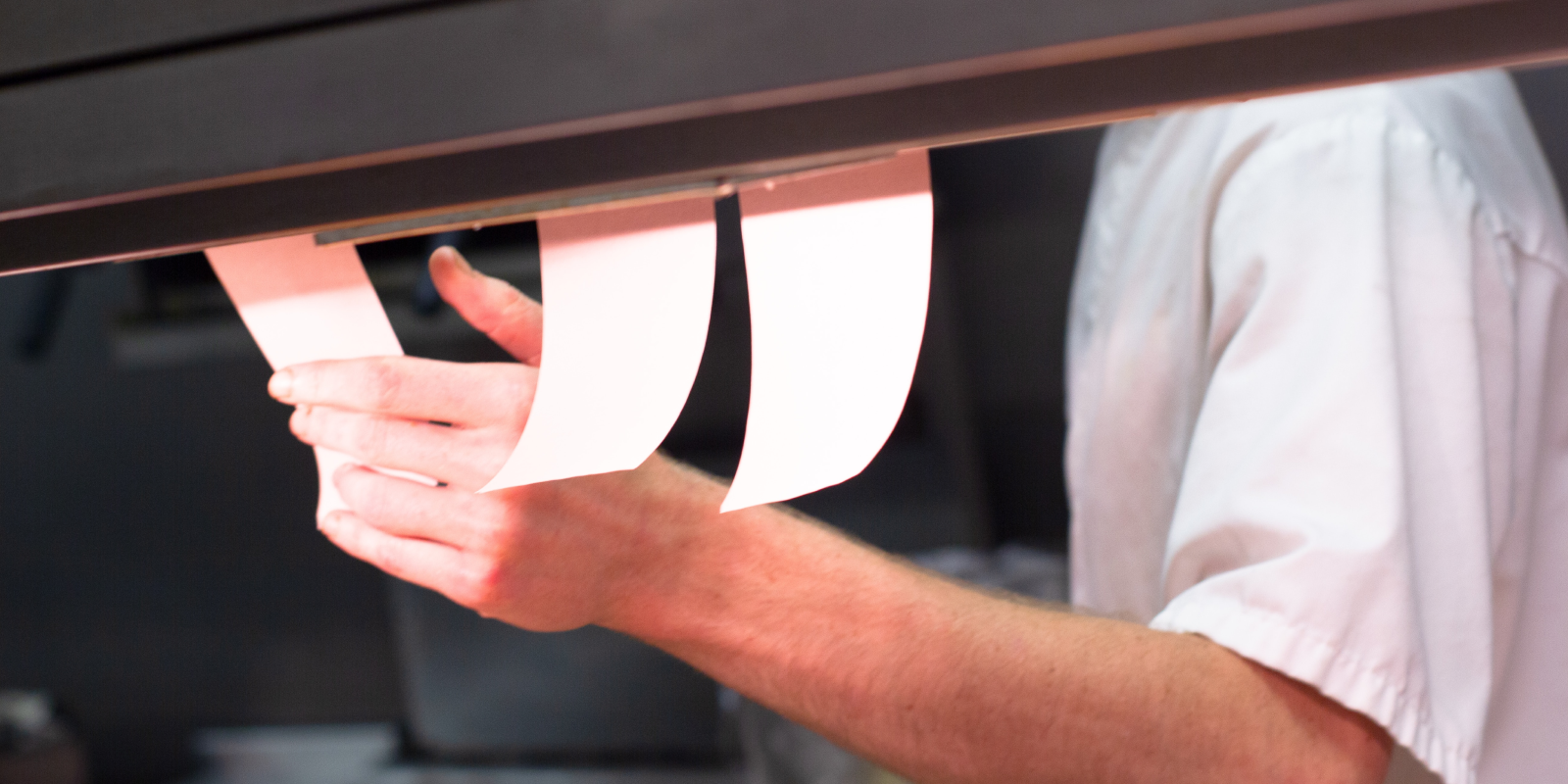
printed_kitchen_receipts
Reliable receipt printing is a core part of every point of sale product. 


Whether processing payments in retail or printing kitchen tickets in restaurants, users expect every interaction to work instantly and consistently.

When developing a cloud-based POS solution for one of our partners, we chose ESC/POS to support receipt printing across different printer manufacturers. The protocol provided a strong foundation, but integrating real-world hardware proved more complex than the documentation suggested.

The ESC/POS specification solves only part of the problem. Delivering a printing experience that users can actually rely on means accounting for the inconsistencies, edge cases, and vendor-specific behaviour that only emerge in production.


What is ESC/POS?

ESC/POS has become the industry standard for communicating with thermal receipt printers. Instead of relying on operating system drivers or vendor-specific SDKs, applications send standardized command sequences directly to the printer, making receipt printing more predictable across different platforms.

Originally introduced by Epson, the protocol is now supported by a wide range of hardware manufacturers. It covers the core capabilities expected from modern POS systems, including text formatting, graphics, barcode printing, paper cutting, and cash drawer control.

This broad adoption has made ESC/POS the default choice for many point-of-sale products, especially those designed to work across multiple hardware vendors.

Why we chose ESC/POS

For our cloud-based POS solution, supporting multiple printer manufacturers without maintaining separate integrations was a key architectural requirement. ESC/POS provided the common foundation we needed while keeping the printing layer independent from any specific hardware vendor.

Although every manufacturer implements the standard slightly differently, starting from a shared protocol significantly reduces complexity and makes long-term maintenance far more manageable.

Framna-Case-JET-Just-Eat-Case_Overview-2x1
Broad hardware compatibility

One of the biggest advantages of the protocol is its extensive hardware support. A single implementation can communicate with receipt printers from multiple manufacturers, reducing the need for vendor-specific development and making it easier to introduce new devices as customer requirements evolve.

Vendor-specific differences still exist, but they are generally much easier to manage than building and maintaining completely separate integrations.

Simpler integration for cloud-native products

Traditional POS systems typically rely on locally installed drivers connected via USB. Modern cloud-based products follow a different approach.

Instead of communicating through operating system drivers, applications can send commands directly to printers over the local network. This simplifies deployment, reduces platform-specific dependencies, and allows the same printing architecture to be used across desktop, mobile, and dedicated payment devices.

Technology independence

Because communication happens through standardized commands rather than platform-specific APIs, the printing layer remains largely independent of the application stack.

Whether the product is built with Kotlin, Swift, Flutter, or another technology, the underlying communication model remains the same. This enables teams to support multiple platforms while maintaining a consistent printing implementation.

Framna-Case-YCD Atmosphere-Image2-21x9
Documentation is only the starting point

On paper, the protocol looks well-defined and relatively straightforward to implement. In practice, the quality of documentation varies considerably between manufacturers.

Epson provides comprehensive command references, implementation examples, and detailed compatibility guidance, making development relatively predictable. Other vendors, particularly those whose printers are primarily intended to work with proprietary Windows drivers, often provide far less technical information or omit implementation details altogether.

In our project, this meant documentation alone was never enough. Because the application we built communicated directly with printers over the local network from mobile devices, every implementation had to be validated against real hardware. Behaviour that appeared identical in the specification could differ significantly between manufacturers.

One lesson became clear very quickly: the protocol defines a common language, but not every printer speaks it in exactly the same way. Building a reliable printing experience depends just as much on testing real devices as it does on understanding the specification.

Subscribe

Join our newsletter and stay up-to-date